It is late. You have decided to run an AI model on your own laptop, so you search for “best local LLM.”
Twelve articles later, you have twelve different winners. One says Qwen. Another says Gemma. A third swears by a model you have never heard of.
They are not all wrong. They are answering different questions.
The best local LLM depends on how much memory your computer has and what you want to do with it. This guide helps you answer both in a few minutes, then points you to the models worth trying.
There is no single best local LLM. Match the model to your memory first, then to your task.
If you want a safe starting point: try a Qwen model as an all-rounder, a Gemma model on a laptop, or gpt-oss-20b if you have around 16 GB of RAM.
Note: Model weights and versions evolve rapidly. Always check the model card on Hugging Face before downloading.
How to Choose in Four Steps
Chat, code, reasoning, or images
Check commercial terms
Try it on your own work
Skip synthetic leaderboard scores for now. They measure generalized benchmarks, not your personal documents, code, or workflow. Your own practical prompt test beats any theoretical ranking.
Best Local LLMs by Memory
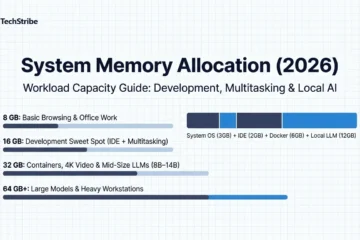
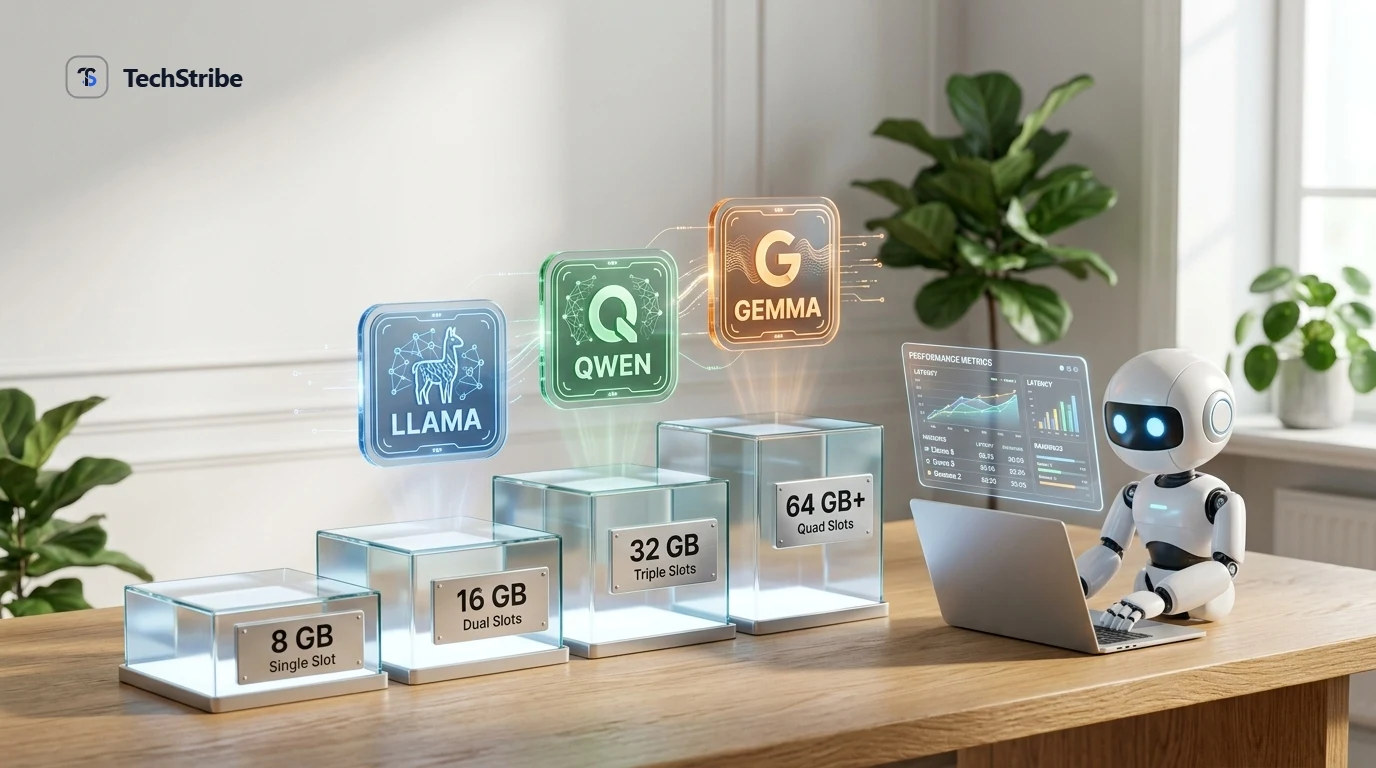
As a rule of thumb: small 7B-class models fit in 8 to 16 GB, 30B-class models usually want around 24 GB, and 70B-class models need 40 GB or more. Memory demands vary based on quantization and active context length.
| Memory Tier | Models to Try | What to Expect |
|---|---|---|
| 8 GB | Small models (3B to 9B) such as small Gemma, Phi-4-mini, Llama 8B, or Qwen 8B | Fast chat, concise summaries, simple coding help |
| 16 GB | Models up to roughly 14B, plus gpt-oss-20b | Noticeably stronger writing, deeper reasoning, everyday coding |
| 24 to 32 GB | 27B to 35B-class models from Qwen, Gemma, and DeepSeek-R1 Distill | A strong everyday tier for complex programming and long documents |
| 64 GB or more | 70B to 72B-class models and gpt-oss-120b | Closest to cloud frontier quality, if your hardware allows |
Need exact formulas for RAM headroom and context cost? Read our dedicated Local LLM RAM Requirements Guide (8GB, 16GB & 32GB).
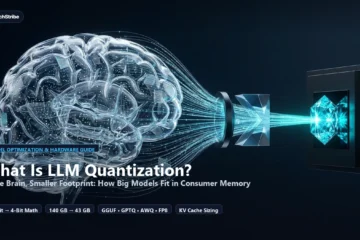
Quantization compresses a model’s numerical weights into fewer bits (e.g., 4-bit integer instead of 16-bit float) so it fits into consumer memory. A 4-bit (Q4) quantized version is roughly 65% smaller than the unquantized file with negligible quality loss. Most local runners like Ollama and LM Studio deliver 4-bit quants by default.
The Main Model Families
| Family | Maker | Best For | Licence Note |
|---|---|---|---|
| Qwen | Alibaba Cloud | All-round daily driver, coding, multilingual | Often Apache 2.0 (varies by parameter size) |
| Gemma | Laptops, edge devices, multimodal image prompts | Custom Gemma terms (check specific card) | |
| gpt-oss | OpenAI | Structured reasoning and tool-calling | Apache 2.0 |
| Llama | Meta AI | Chat, writing, massive third-party ecosystem | Llama Community License (commercial restrictions apply) |
| Phi | Microsoft | Low-memory machines & laptop CPUs | Phi-4-mini is MIT-licensed |
| DeepSeek | DeepSeek | Maths, coding, and step-by-step reasoning | MIT weights (smaller distilled versions run locally) |
| Mistral | Mistral AI | Coding speed, concise responses, tool use | Apache 2.0 on key checkpoints |
Pick It or Skip It
| Family | Pick it if… | Think twice if… |
|---|---|---|
| Qwen | You want one dependable family for chat, coding, and multilingual work across various sizes. | You plan commercial use without reviewing license clauses per model size. |
| Gemma | You have an ultrabook laptop or need a model that natively inspects images. | You require a completely permissive Apache/MIT open-source license. |
| gpt-oss-20b | You have ~16 GB memory and want strong logic and tool use under Apache 2.0. | You have only 8 GB of RAM. It also works best with OpenAI-compatible runners. |
| Llama | You want the widest community documentation, integrations, and tool compatibility. | You strictly need fully permissive terms without monthly user caps. |
Best Local LLM by Task
- General chat and writing: Llama 3.1 8B, Qwen 2.5 7B, or Gemma 2 9B that match your memory headroom.
- Coding & engineering: Qwen 2.5 Coder (7B or 14B) and Mistral Codestral 22B are the top community choices.
- Reasoning & maths: gpt-oss-20b, or distilled DeepSeek-R1 (Qwen 8B / 14B distillations).
- Low-end hardware / Ultrabooks: Microsoft Phi-4-mini or Google Gemma 2 2B.
- Multilingual work: Qwen 2.5, celebrated for world-class non-English tokenization.
- Vision & image prompts: Qwen 2.5-VL or Gemma multimodal checkpoints.
8 GB RAM: A small Gemma 2B or Phi-4-mini.
16 GB RAM: Qwen 2.5 7B/14B or gpt-oss-20b.
32 GB RAM: Qwen 2.5 32B or Gemma 2 27B.
Three Sample Hardware Setups
| Who | Memory | Start With | Best Suited For |
|---|---|---|---|
| Student on a thin laptop | 8 GB | Gemma 2 2B or Phi-4-mini | Reading notes, study summaries, fast Q&A |
| Developer or Solo Founder | 16 to 32 GB | gpt-oss-20b or Qwen 2.5 14B/32B | Coding assistant, private drafting, bulk document analysis |
| Agency or Dev Workstation | 64 GB or more | Llama 3.3 70B or Qwen 2.5 72B | Deep analysis, autonomous agent loops, frontier writing |
Check the Licence First
“Open weight” is not the same as traditional “open source.” You can freely download the weights file, but the governing terms dictate commercial permissions:
- Apache 2.0 & MIT: Permissive licenses that generally grant free commercial product embedding.
- Llama Community License: Free for commercial use up to 700 million monthly active users, but restricts using outputs to train competing models.
- Version shifts: Companies occasionally change licenses between model generations. Always review the official model card before embedding models into client software.
Mistakes to Avoid
- Picking the biggest model that barely loads: Extended multi-turn conversations expand context memory. Leave at least 25% memory headroom for the operating system.
- Trusting leaderboards alone: Public benchmarks often suffer from dataset contamination. Five real prompts from your daily workload give more insight than any score.
- Overlooking license terms: Can block commercial deployment down the line.
- Skipping hands-on testing: Test two competing models on identical inputs before settling on one.
How to Try One Today
- Install a runner: Download LM Studio if you prefer an intuitive desktop app, or Ollama for the terminal.
- Pick a model matching your RAM: Use the memory table above as your boundary.
- Run the model: In Ollama, running
ollama run qwen2.5:7bautomatically downloads and launches the prompt prompt. - Test on real work: Test document summaries, code refactoring, or writing tasks.
- Swap if needed: Swapping or deleting local models takes only seconds.
Frequently Asked Questions
What is the best local LLM right now?
There is no universal single winner. Qwen 2.5 is the top all-round workhorse, Gemma 2 leads on laptops, and DeepSeek-R1 distills dominate logical reasoning. Your hardware memory decides which model fits.
What is the best local LLM for coding?
Qwen 2.5 Coder (available in 1.5B, 7B, 14B, and 32B) and Mistral Codestral 22B are the top choices, offering fill-in-the-middle syntax comprehension and broad language coverage.
Are local LLMs as capable as ChatGPT?
Not compared to flagship cloud models like Claude 3.5 Sonnet or OpenAI o1 for massive reasoning tasks. However, for private everyday editing, summarization, coding, and offline autonomy, modern 8B–32B open models perform remarkably well.
Can I use open-weight models commercially?
Yes, provided the specific checkpoint carries a permissive license like Apache 2.0 or MIT, or if you comply with custom terms like the Llama Community License.