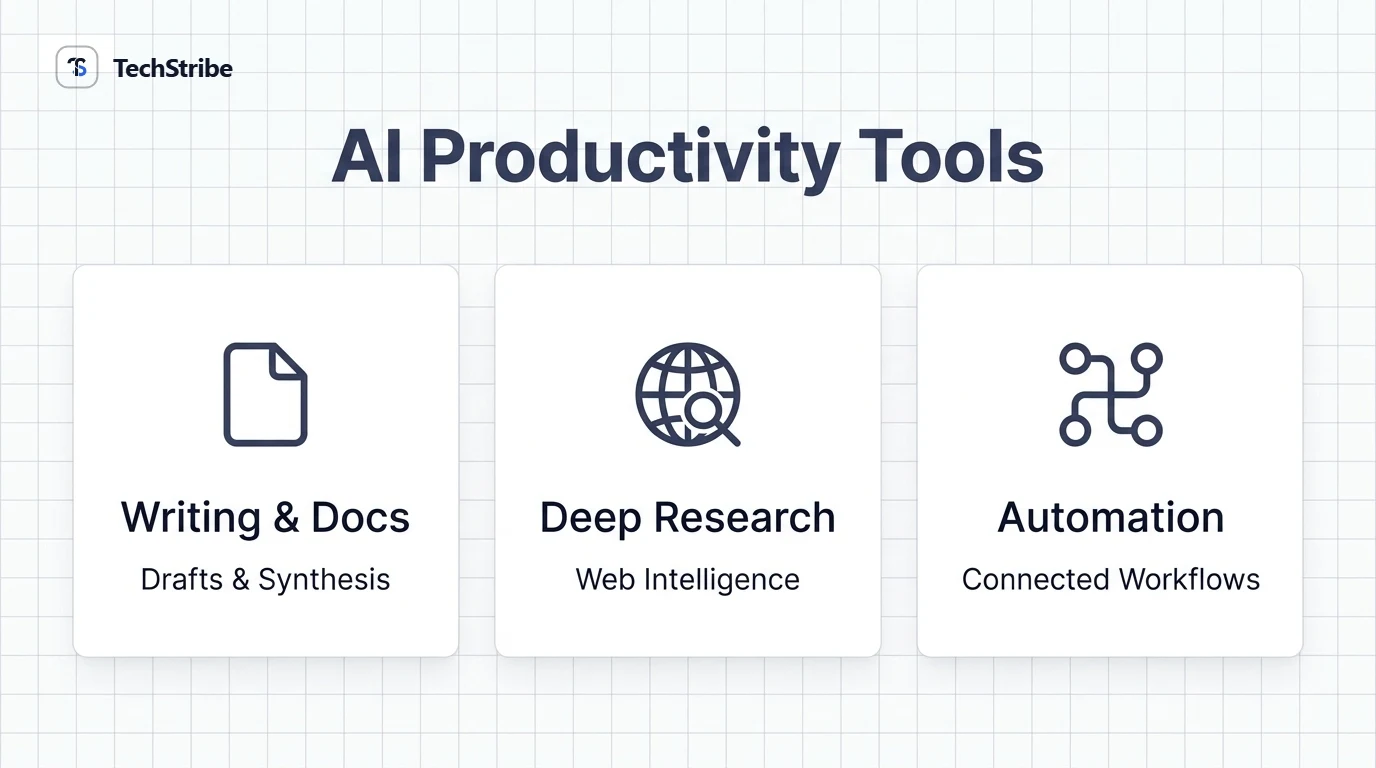
Monday, 9 am. Eighty-three unread emails. A meeting at 10. A report due at 5. And a half-written blog post you promised last week. Can an AI tool fix that? Some of it, yes. Other parts, no. The truth is that thousands of tools promise to save you time, and most people only need two or three. This list cuts through the noise with 10 well-known tools, what each does best, and where each can trip you up.
The Quick Answer
Start small Pick one all-purpose AI assistant, plus one tool for the task that wastes most of your time, such as meetings or research. Add more only when you feel a real gap.
The 10 Tools at a Glance
# Tool Best for Free option? 1 ChatGPT All-purpose writing and thinking Yes, per roundups 2 Claude Long documents and careful writing Yes, per roundups 3 Gemini Gmail, Docs, and Google Workspace Yes, per roundups 4 Perplexity Quick research with sources Yes, per roundups 5 NotebookLM Studying your own documents Yes, per roundups 6 Notion AI Notes, wikis, and project pages Limited 7 Otter.ai or Fireflies.ai Meeting notes and action items Limited free plans 8 Grammarly Editing as you type Yes, per roundups 9 Motion or Reclaim Smart scheduling Check current plans 10 Zapier Connecting apps and automating tasks Limited free plan About prices Plans, limits, and prices for these tools change often, and sources disagree. This guide avoids quoting prices. Check each tool’s official page before you pay.
The 10 Best AI Tools, One by One
1. ChatGPT: the all-purpose assistant Best for: Drafting, brainstorming, summarising, and general problem-solving. Why it helps: One tool for a bit of everything, which makes it a good first choice. Watch out: It can state wrong facts confidently. Check anything important. 2. Claude: the careful writer Best for: Long documents, detailed analysis, and polished writing. Why it helps: Roundups often point to it for long-form work and complex writing. Watch out: Like any assistant, it can make mistakes, so review its output. 3. Gemini: the Google Workspace helper Best for: People who live in Gmail, Docs, Sheets, and Meet. Why it helps: It works inside the apps you already use, so you do not switch tabs. Watch out: It is most useful if your work already runs on Google. 4. Perplexity: research with sources Best for: Fast answers to research questions, with links you can check. Why it helps: It shows where information came from, which speeds up fact-checking. Watch out: Sources can still be weak. Click through before you rely on them. 5. NotebookLM: your documents, answered Best for: Students and professionals who need to study or summarise their own files. Why it helps: It works from the material you give it, which keeps answers grounded. Watch out: It only knows what you upload, so it will not fill gaps for you. 6. Notion AI: the workspace brain Best for: Teams that already keep notes, docs, and projects in Notion. Why it helps: It summarises, searches, and drafts inside your existing pages. Watch out: It adds little if you do not already use Notion. 7. Otter.ai and Fireflies.ai: the meeting note-takers Best for: People in many meetings who need summaries and action items. Why it helps: They transcribe, summarise, and list decisions, so you can focus on the conversation. Watch out: Tell attendees you are recording, and check the privacy settings. 8. Grammarly: the editor in every app Best for: Anyone who writes emails, reports, or posts every day. Why it helps: It checks grammar, clarity, and tone wherever you type. Watch out: Accept suggestions thoughtfully. They can flatten your voice. 9. Motion and Reclaim: the schedule planners Best for: Busy calendars that need protecting and rearranging. Why it helps: They fit tasks into your day and shift plans when things change. Watch out: They work best when you trust and maintain your task list. 10. Zapier: the app connector Best for: Repeating tasks between apps, such as saving form entries to a sheet. Why it helps: It automates the boring middle steps without code. Watch out: Start with simple automations, and test them before you rely on them.
Starter Stacks by Role
You are… Start with Then add A student ChatGPT or Claude, plus NotebookLM Grammarly A software house employee ChatGPT or Claude Otter.ai or Fireflies.ai, Notion AI A site owner or beginner SEO ChatGPT or Gemini, plus Perplexity Grammarly, Zapier A busy manager Gemini or ChatGPT Meeting notes tool, Motion or Reclaim
Free or Paid? How to Decide
Start free. Most tools on this list offer a free plan or trial, so test before you pay. Upgrade when limits get in the way. If you hit a usage cap every week, a paid plan may earn its cost. Check the data terms. Free, personal, and business plans can handle your data differently, which matters for client work. Avoid long commitments early. Try a monthly plan first, since tools and prices change quickly. Ask your employer. Many companies already pay for approved tools, so check before you buy your own.
How to Use AI Tools Wisely
Give context. Say who the work is for and what a good result looks like. Verify facts. AI can sound sure and still be wrong, especially with numbers and names. Protect private data. Do not paste client details, passwords, or confidential files into tools you have not cleared for work. Edit before you send. AI drafts are a starting point, not a finished message. Keep your voice. Rewrite parts so the result still sounds like you.
Mistakes to Avoid
Collecting too many tools: every extra app is another thing to learn and manage. Trusting without checking: one wrong figure in a report costs more than the time saved. Automating a bad process: fix the process first, then automate it. Never measuring: if you cannot say what time you saved, you may not have saved any.
Try It for One Week
1. Pick one task. For example, writing meeting follow-ups or summarising long documents. 2. Time it your usual way. Note how long it takes. 3. Time it with a tool. Include the time you spend checking and editing. 4. Compare, then decide. Keep the tool only if the saving is real. F AQs: AI Tools for Productivity What are the best AI tools for productivity? Popular picks include ChatGPT, Claude, and Gemini for general work, Perplexity and NotebookLM for research, Notion AI for notes, Otter.ai or Fireflies.ai for meetings, Grammarly for writing, and Zapier for automation. What is the best free AI productivity tool? Several tools offer free plans, including ChatGPT, Gemini, Claude, Perplexity, and NotebookLM, according to roundups. Limits change, so check each tool’s current free plan. Which AI tool is best for daily work? A general assistant such as ChatGPT, Claude, or Gemini is a good starting point, since it handles writing, summaries, and brainstorming. Add specialist tools only for tasks you repeat often. What is the best AI tool for meeting notes? Otter.ai and Fireflies.ai are commonly recommended. They transcribe meetings and list action items. Always check privacy settings and tell attendees you are recording. What are the best AI tools for students? A general assistant for explanations, NotebookLM for studying your own notes, and Grammarly for editing are a common trio. Use them to learn, not to skip the thinking. Is it safe to use AI tools at work with company data? Only if the tool is approved by your employer. Read the privacy terms, avoid pasting confidential data into free tools, and follow your company’s AI policy. Can AI tools really save time? Often, on repetitive tasks such as drafts and meeting notes. The savings shrink if you skip checking, so measure the time you actually save over a week.
Related Reading & Deeper Context
- Canva Craft’s layout-first image model — how layout-first generative design eliminates garbled AI text.
- Best AI coding tools — our developer comparison across IDEs, pricing, and workflow fit.
- Agentic AI architectures — how autonomous planning loops, memory, and tool calling operate.
- Cloud computing fundamentals — how cloud clusters, IaaS, and PaaS power remote AI services.
Frequently Asked Questions
What are the best AI tools for productivity?
Popular picks include ChatGPT, Claude, and Gemini for general work, Perplexity and NotebookLM for research, Notion AI for notes, Otter.ai or Fireflies.ai for meetings, Grammarly for writing, and Zapier for automation.
What is the best free AI productivity tool?
Several tools offer free plans, including ChatGPT, Gemini, Claude, Perplexity, and NotebookLM, according to roundups. Limits change, so check each tool’s current free plan.
Which AI tool is best for daily work?
A general assistant such as ChatGPT, Claude, or Gemini is a good starting point, since it handles writing, summaries, and brainstorming. Add specialist tools only for tasks you repeat often.
What is the best AI tool for meeting notes?
Otter.ai and Fireflies.ai are commonly recommended. They transcribe meetings and list action items. Always check privacy settings and tell attendees you are recording.
What are the best AI tools for students?
A general assistant for explanations, NotebookLM for studying your own notes, and Grammarly for editing are a common trio. Use them to learn, not to skip the thinking.
Is it safe to use AI tools at work with company data?
Only if the tool is approved by your employer. Read the privacy terms, avoid pasting confidential data into free tools, and follow your company’s AI policy.
Can AI tools really save time?
Often, on repetitive tasks such as drafts and meeting notes. The savings shrink if you skip checking, so measure the time you actually save over a week.